Control Every Rupee. Track Every Expense.

Give cash. Track expenses. Know exactly where every rupee goes. CashPilot is petty cash management for businesses with one team or many, on the web and on Android and iPhone.

Get started free See what it does The CashPilot app on a phone: login, home, my cash and profile screens

Petty cash, without the notebook

Cash handed to staff is easy to lose track of. Slips go missing, balances are argued over and the month-end tally takes days. CashPilot replaces the notebook and the spreadsheet with one ledger everyone can see.

One ledgerEvery advance, expense, return and correction in a single running account per person.
Live balancesWho holds how much, right now. No waiting for month end.
Proof attachedBill photos sit with the expense they belong to.
Nothing erasedEdits and deletions are time-limited and logged.

Everything petty cash needs

A cash-accountability ledger, not just an expense list: every movement of cash is recorded and can be traced.

Issue cash

Admins hand out cash advances to employees, as many times as needed. Each advance adds to the same running ledger.

Record expenses

Pick a head, enter the amount and date. Add a comment or a bill photo now, or attach the bill later.

Enter on someone's behalf

An Admin can record an expense or a return for any team member. The entry shows who it was for and who entered it.

Returns & adjustments

Full or partial cash returns, plus admin adjustments to match the system with the cash actually in hand.

Always-current balances

See who is holding how much, who has settled, and who has overspent, per user, group and company.

Groups & expense heads

Organise people into groups and decide which expense heads each group may use. Add your own heads too.

Multiple companies

One mobile number, many companies. Be an Admin in one and a User in another, and switch in a tap. Each company has its own logo.

Reports & exports

User, group, head, transaction, cash and ledger reports by financial year or any date range, in PDF, Excel and CSV.

Instant notifications

The phone buzzes when cash is issued, an expense is recorded or an entry is changed, so nobody is surprised later.

Full audit trail

Edits and deletions are time-limited, nothing is ever physically removed, and every change is logged with who and when.

Your rules

Choose whether a balance may go negative and for how many days an entry may be edited or deleted.

No passwords

Everyone signs in with their mobile number and a one-time code. Nothing to remember, nothing to share.
In your pocket

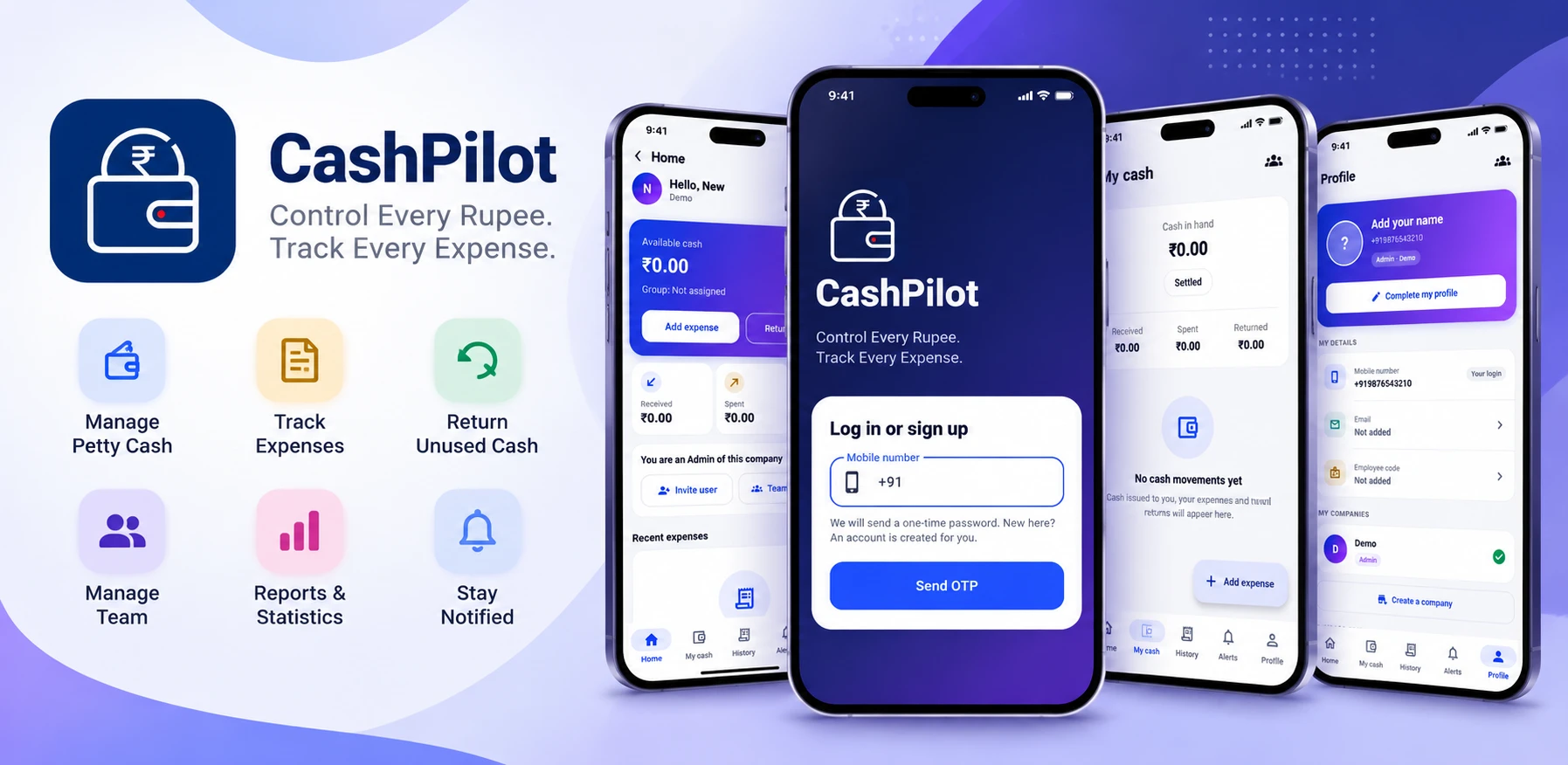
The CashPilot app for Android and iPhone does what the website does, for people who are out on site, on the road or at the counter.

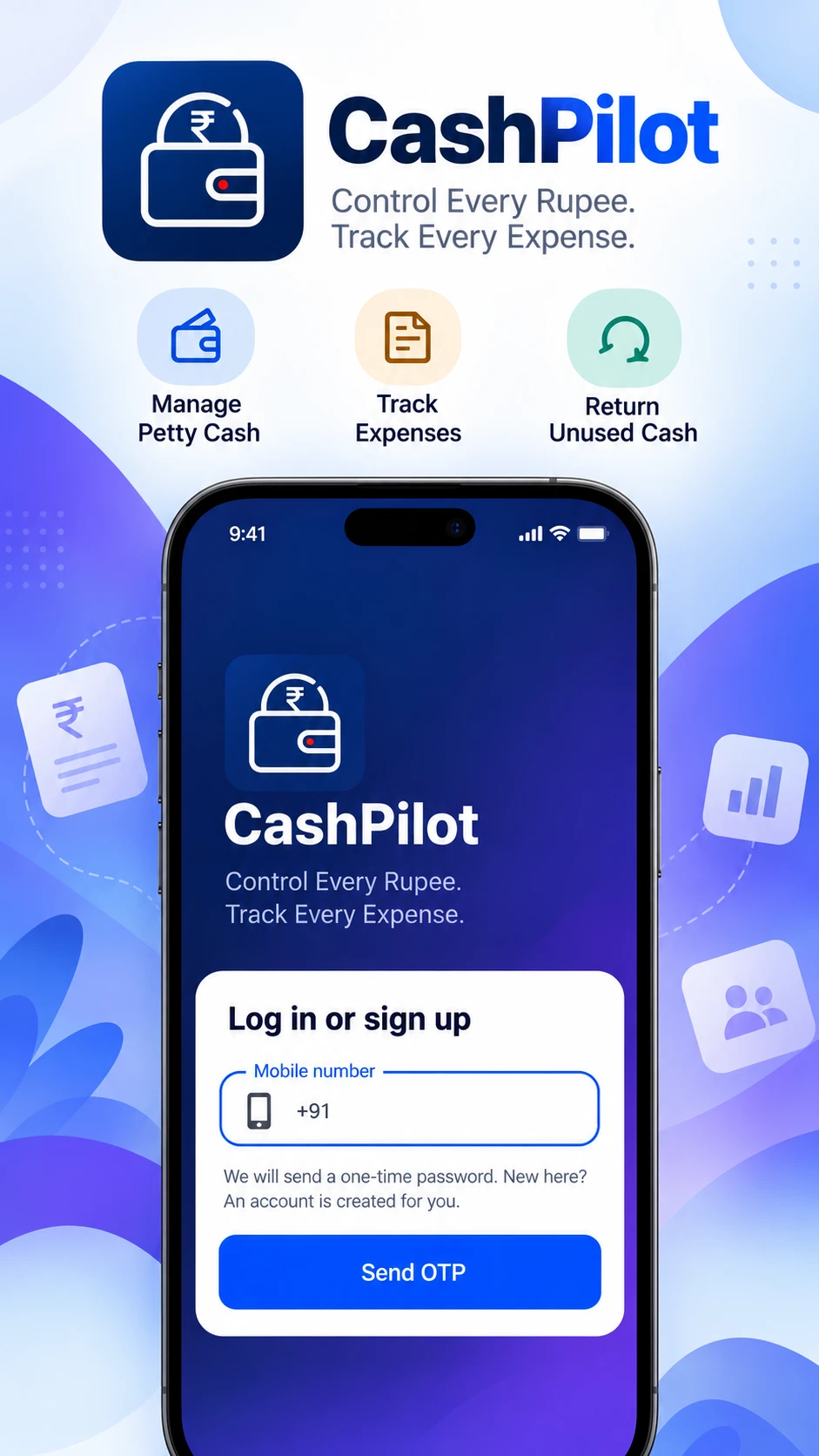
CashPilot login screen: enter a mobile number to get a one-time password
Sign in with a mobile numberNew here? The account is created on the spot.
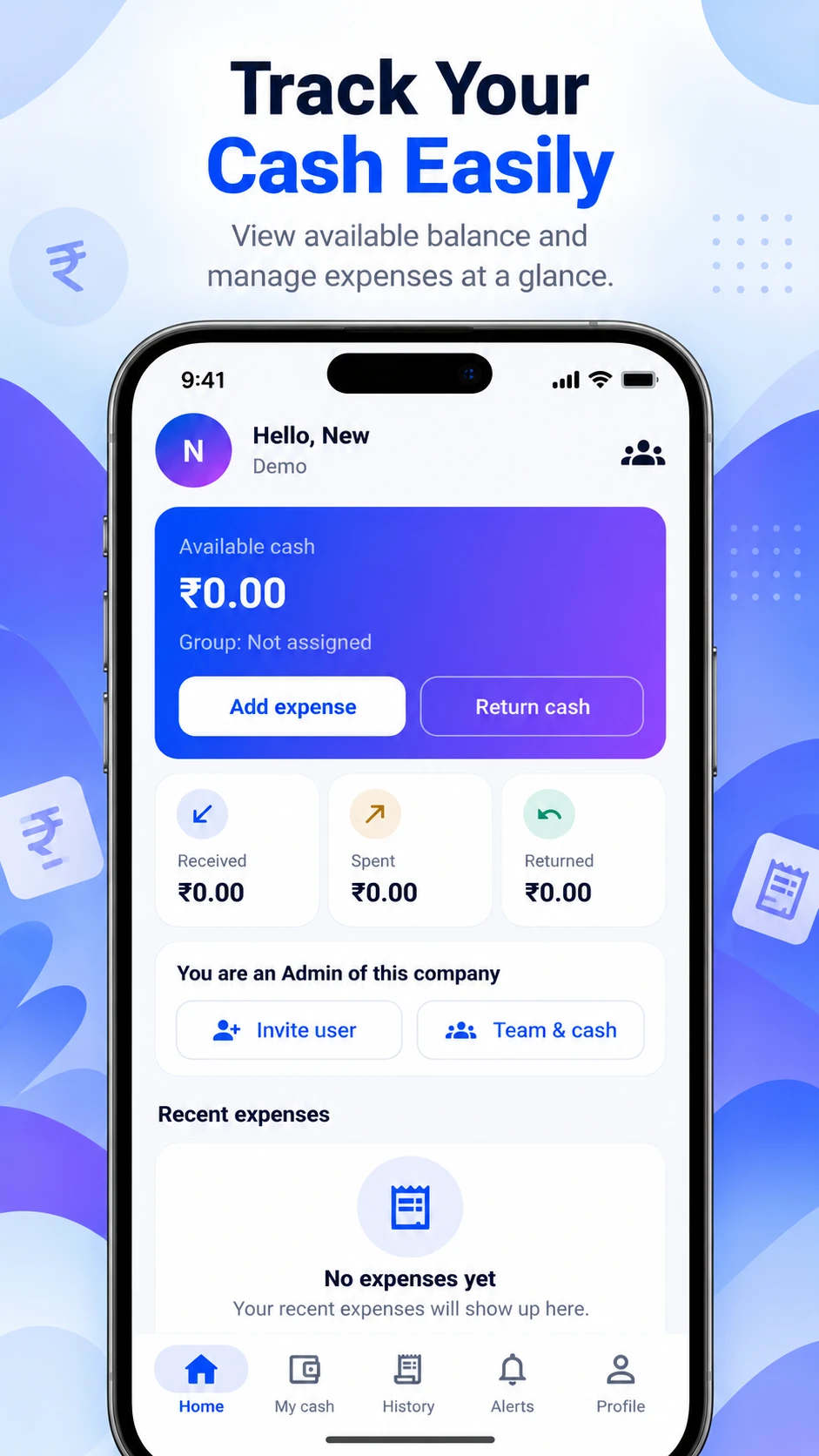
CashPilot home screen showing available cash, received, spent and returned
Your cash at a glanceAvailable balance, with Add expense and Return cash one tap away.
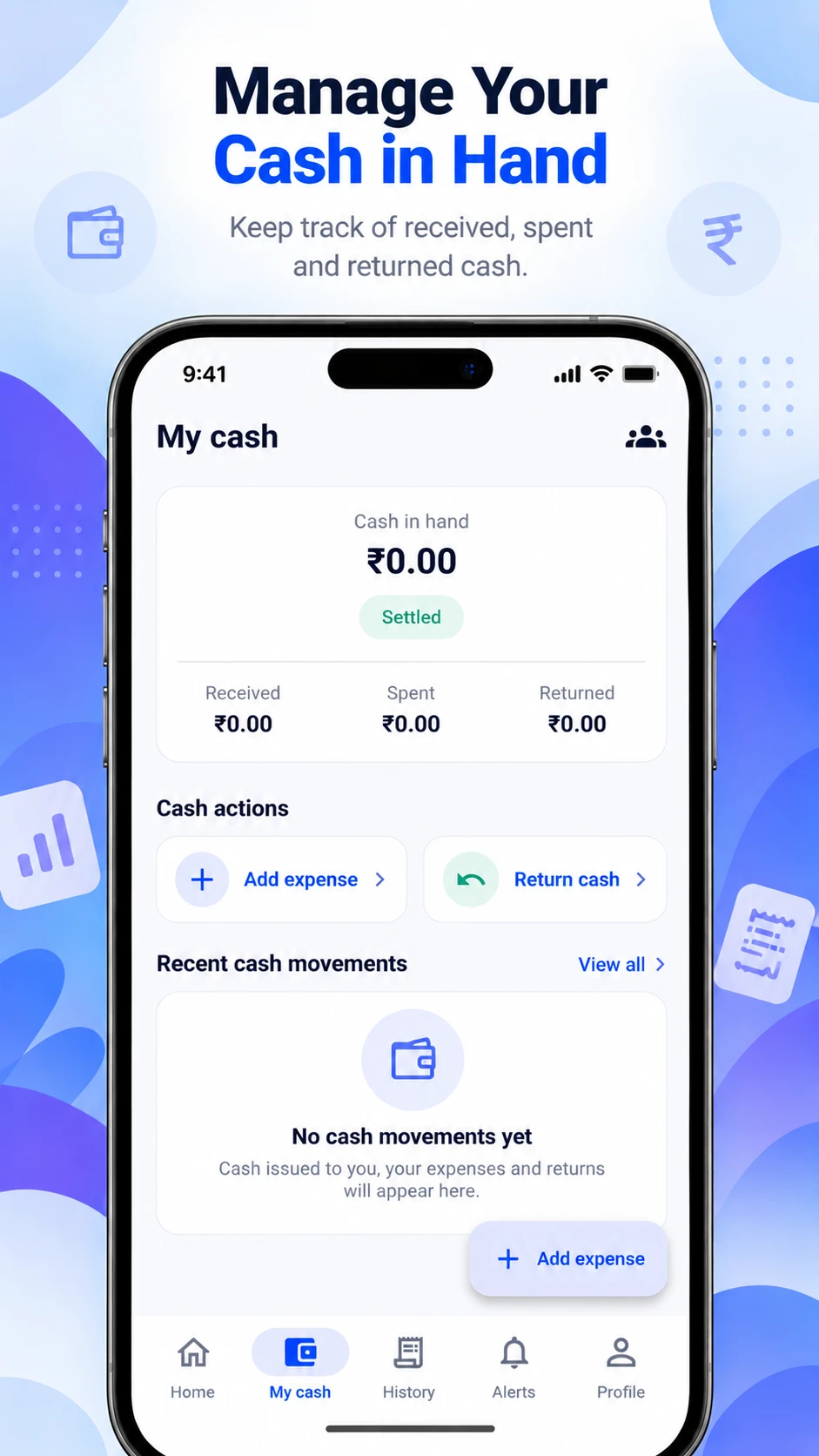
CashPilot My cash screen with the cash in hand and recent movements
Your own ledgerEvery rupee received, spent and returned, with the running balance.
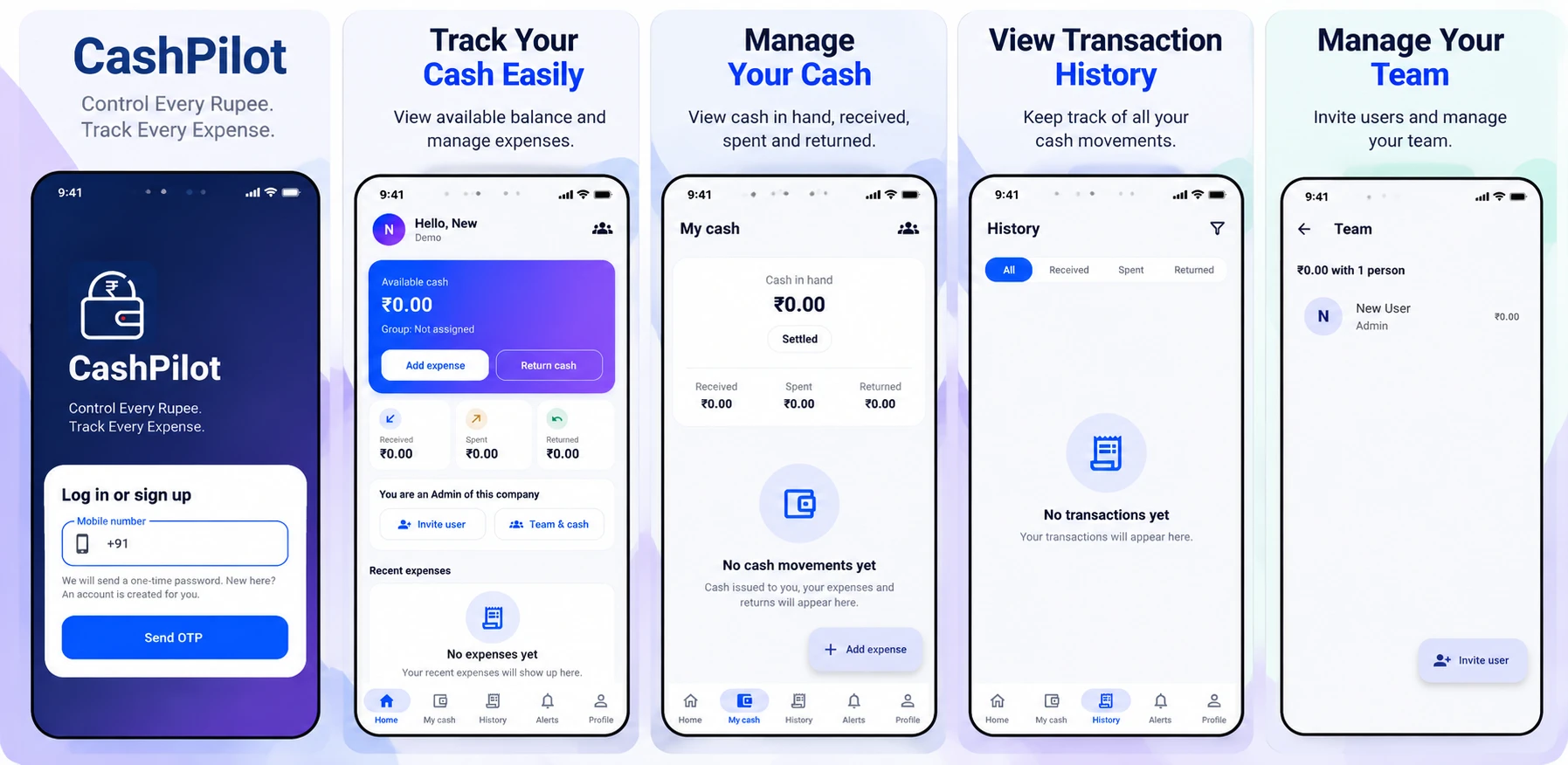
Five CashPilot screens: login, home, my cash, transaction history and team

Made for teams that spend cash away from the desk

Wherever money is handed over in the morning and has to be accounted for by evening.

Construction & sites

Site supervisors get an advance for material, labour and transport. The office sees each spend as it happens.

Sales & field staff

Fuel, food and travel on the road, recorded from the phone with the bill photographed on the spot.

Offices & shops

The day-to-day float for courier, tea, stationery and repairs, with a clean statement at month end.

Farms & transport

Drivers and farm managers settle up in minutes: what was given, what was spent and what comes back.

How it works

Company → Groups → Users → Cash issued → Daily expenses → Returns and adjustments → Settlement.

Sign in with your mobile

No passwords. Enter your number, confirm the OTP, and create your company.

Invite your team

Add people by mobile number, put them in groups and choose their expense heads.

Issue cash

Record each advance. The employee sees their available cash straight away.

Track and settle

Expenses reduce the balance; returned cash settles it. Reports show the full picture.

What an Admin does

  • Creates the company, groups and expense heads
  • Invites people and issues cash to them
  • Sees everyone's balance and every transaction
  • Corrects balances with adjustments
  • Runs and exports reports

What a User does

  • Sees the cash they hold
  • Records expenses with a bill photo
  • Returns unused cash
  • Checks their own ledger and statement
  • Gets a notification for every movement

Simple pricing, per company

One price for the whole company, not per person. Every new company gets all features free for 14 days. No card needed.

Free

For a small team getting started

Free
For as long as you like
  • Up to 3 users
  • Up to 1 group
  • Unlimited transactions
  • Web, Android and iPhone
  • Exports (CSV, Excel, PDF)
  • Reports
  • Bill attachments
  • Own expense heads
Get started
Most popular

Standard

For a growing team

₹499 / month
or ₹4,999 a year
  • Up to 15 users
  • Unlimited groups
  • Unlimited transactions
  • Web, Android and iPhone
  • Exports (CSV, Excel, PDF)
  • Reports
  • Bill attachments
  • Own expense heads
Start free trial

Business

For a larger company

₹1,499 / month
or ₹14,999 a year
  • Up to 50 users
  • Unlimited groups
  • Unlimited transactions
  • Web, Android and iPhone
  • Exports (CSV, Excel, PDF)
  • Reports
  • Bill attachments
  • Own expense heads
Start free trial

Prices are in Indian rupees. Your data is never deleted when a plan ends.

Questions people ask

Short answers. If yours is not here, log in and try it.

Does everyone on my team need a smartphone?

No. An Admin can record expenses and returns on behalf of any team member, from the website or the app. People with a phone can enter their own.

How do people log in?

With their mobile number and a one-time code sent to it. There are no passwords. To add someone, an Admin enters their mobile number; they are in the company the first time they log in.

Can a wrong entry be corrected?

Yes, within the number of days the company allows. After that an Admin records an adjustment instead. Deleted entries are kept, marked as deleted, and every change is in the activity log.

Can someone spend more than they were given?

That is your choice. Each company decides whether a balance may go negative. If it may not, the entry is refused and the person is told how much cash they have.

Can I run more than one company?

Yes. One mobile number can be an Admin of one company and a User of another. Each company keeps its own people, heads, cash and reports.

Can I get my data out?

Yes. Every report can be downloaded as PDF, Excel or CSV, for any date range or financial year.

Is my company's data private?

Only members of a company can see its data, and Users see only their own cash. Bills and logos are never public links. See the privacy policy.

Know where every rupee goes

Set up your company in a couple of minutes.

Get started